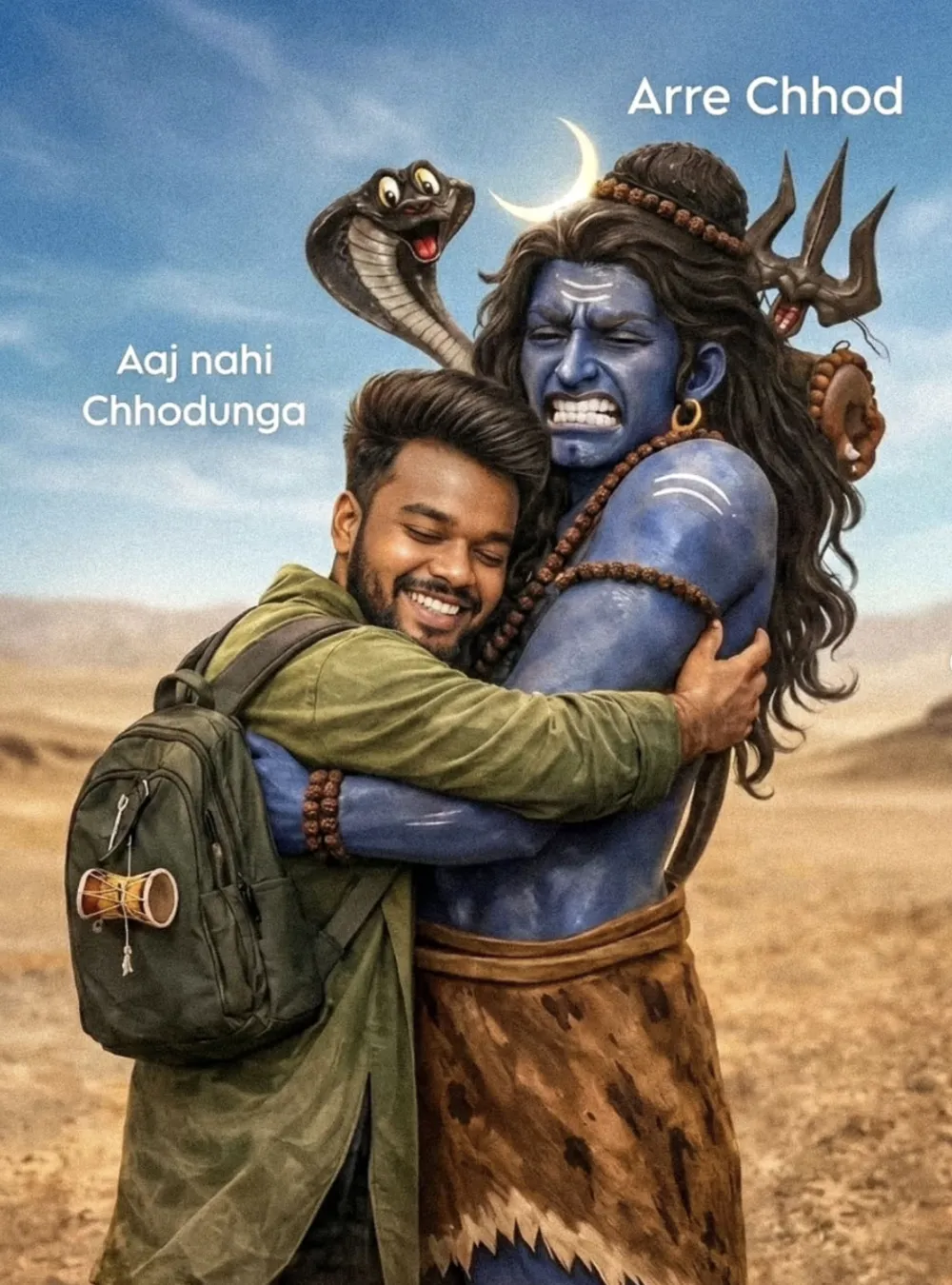
Bholenath Ji AI Photo Prompt: AI image prompts are becoming extremely popular on social media. Many creators are now using AI tools to generate cinematic devotional images of Lord Shiva (Bholenath) with realistic effects and storytelling scenes. One such trending prompt is the Bholenath Ji AI prompt, which allows you to create a powerful devotional visual of a young man hugging Lord Shiva in a cinematic environment.
In this article, you will learn everything about this prompt — what it is, how it works, and how you can generate stunning AI images using it.
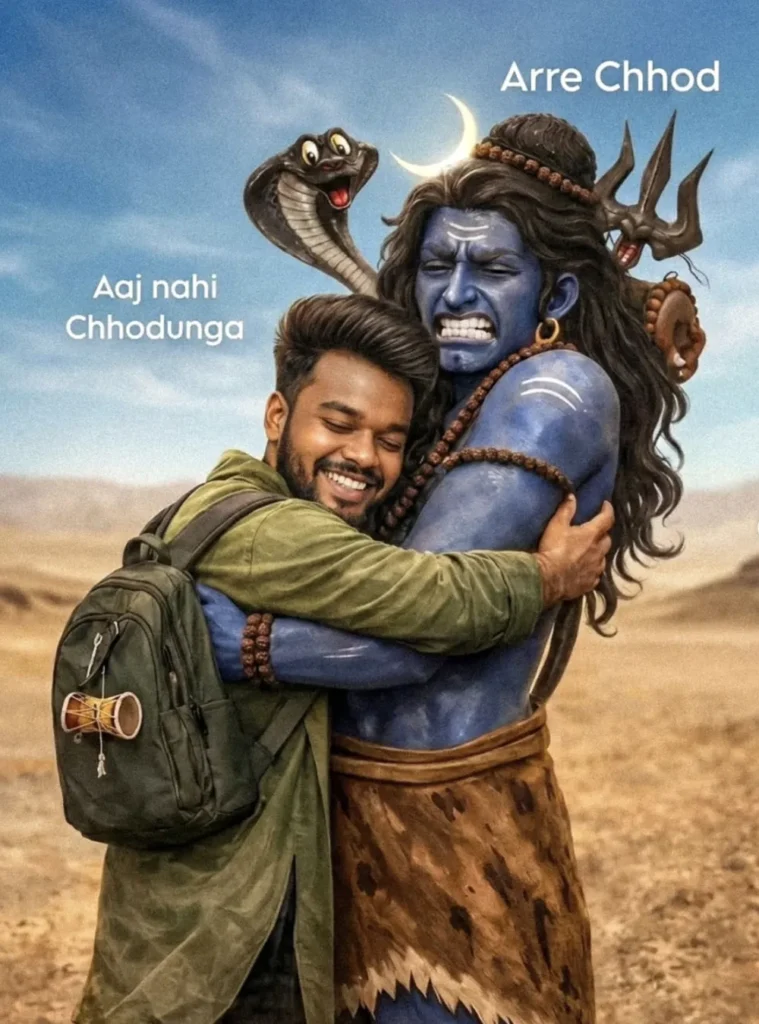
Bholenath Ji AI Photo Prompt
Ultra-realistic cinematic devotional scene, 8K resolution, vertical composition, hyper-detailed photography style. A modern young Indian man hugging Lord Shiva tightly with deep love and devotion in a desert landscape.
Foreground: A smiling young Indian man (mid-20s), stylish brown hair, well-groomed beard, eyes closed with pure happiness. He is wearing an olive green kurta-style shirt and carrying a dark green backpack. A small damru (mini traditional drum) is attached to the side pocket of the backpack. His arms are wrapped tightly around Lord Shiva in an emotional hug. Lord Shiva with blue skin, muscular divine body, long flowing dark hair, crescent moon glowing in his hair. A cobra with hood raised is behind his shoulder, looking expressive. He wears multiple rudraksha malas around his neck and arms. A trishul (trident) is visible behind him. He has sacred white ash (vibhuti) marks on his forehead and arms. He is showing a humorous angry facial expression, teeth clenched as if reacting playfully to the tight hug.
Background: Wide open desert landscape with soft sandy hills and distant horizon. Clear blue sky with soft cinematic lighting. Warm golden sunlight creating dramatic shadows and depth. Text in image: Top right: "Arre Chhod" Left side: "Aaj nahi Chodunga" Lighting &
Style:
Golden hour lighting, soft depth of field, sharp focus on subjects, realistic skin texture, detailed fabric folds, cinematic color grading, ultra-detailed, DSLR quality, photorealistic, high dynamic range.
How to Use Gemini AI After Copying a Prompt (Step-by-Step Guide)
Many users copy AI prompts from websites but do not know what to do next. If you want to generate images using Gemini AI, follow the simple steps below.
Step 1: Copy the Prompt
First, copy the complete AI prompt from the website.
For example, if you are using a devotional prompt like Bholenath AI prompt, select the full text and press:
- Ctrl + C (Windows)
- Copy option on mobile
Make sure you copy the entire prompt because AI tools generate better results when the prompt is complete.
Step 2: Open Gemini AI
Now open the Gemini AI website or mobile app.
You can access it by going to:
If you are using a phone, you can also install the Gemini app from the Play Store or App Store.
Then sign in with your Google account.
Step 3: Start a New Chat
Once Gemini opens, you will see a text box at the bottom of the screen.
This is where you will enter your prompt.
Click inside the box to start a new conversation.
Step 4: Paste the Prompt
Now paste the prompt you copied earlier.
Use:
- Ctrl + V on computer
- Paste option on mobile
The full prompt will appear in the text box.
Step 5: Ask Gemini to Generate the Image
After pasting the prompt, write a small instruction like:
Generate this image.
or
Create an AI image using this prompt.
Then press the Enter / Send button.
Gemini will start processing the prompt.
Step 6: Wait for the Image to Generate
The AI will analyze the prompt and generate an image based on the description.
This usually takes a few seconds.
Once the image appears, you can review the result.
Step 7: Download the Image
After the image is generated:
- Click on the image
- Look for the Download option
- Save the image to your phone or computer
Conclusion
The Bholenath Ji AI prompt is one of the most creative ways to generate powerful devotional images using AI. By combining cinematic lighting, mythological elements, and emotional storytelling, these prompts can produce stunning visuals in just seconds.
With the right prompt and a good AI tool, anyone can create professional-quality images of Lord Shiva and share them on social media. As AI creativity continues to grow, devotional AI art is becoming a new trend among digital creators and spiritual communities.